
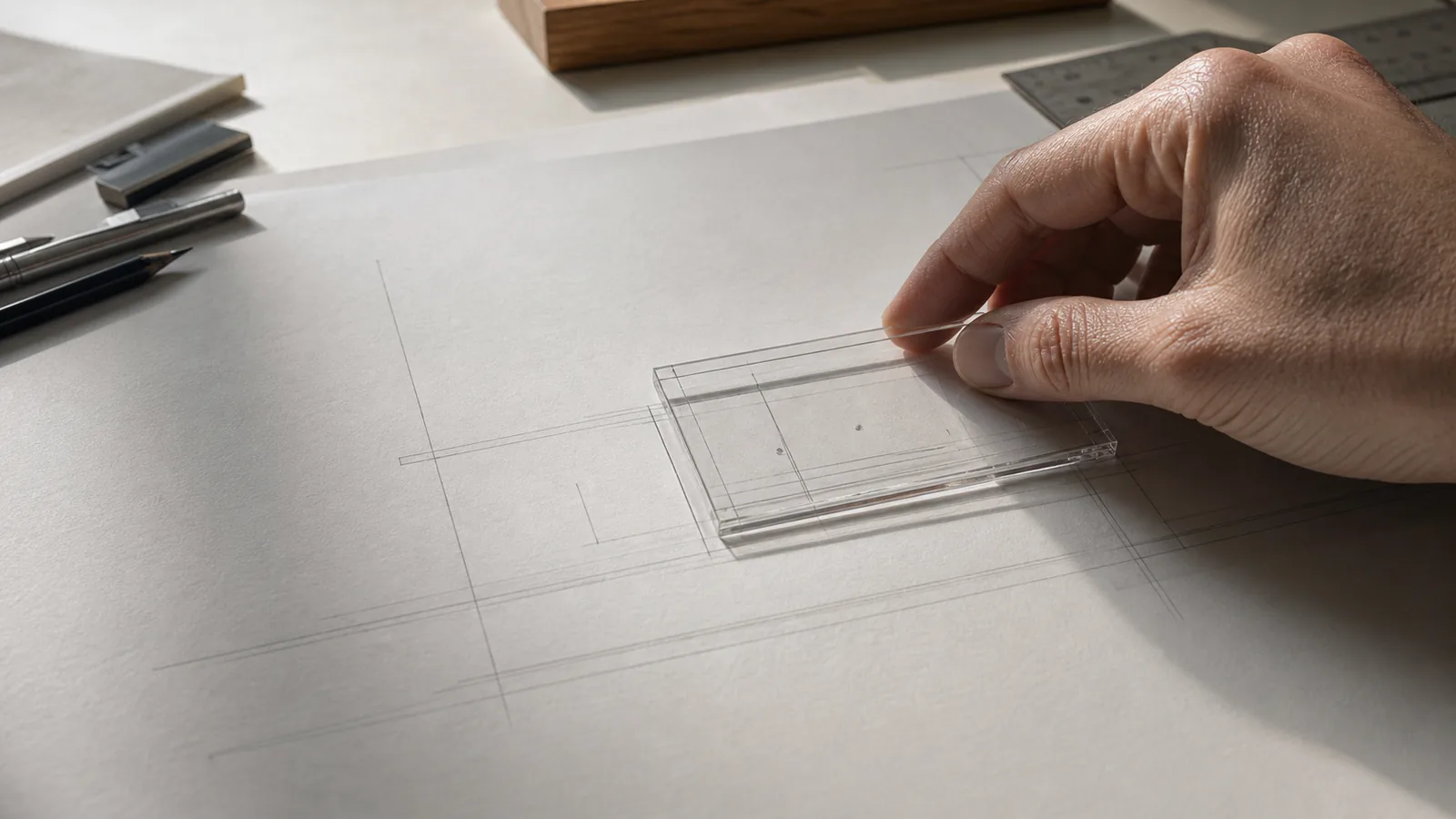
Inline editing looks like less interface.
A title becomes a field. A table cell becomes an input. A setting changes without opening another page.
That reduction can be useful.
But removing the form does not remove the states around it. There is still a moment before editing, a moment during it, and a moment when the change becomes real.
If the product hides those boundaries, the user has to infer what just happened.
Editing is a state change
When people are viewing something, they are reading the current truth.
When they start editing, they are proposing a new one.
The interface should acknowledge that switch.
A focused field, a visible boundary, a changed background, or a clear cursor can be enough. The treatment does not need to be heavy. It only needs to make the transition legible.
Clicking a title should not leave the user wondering whether they opened it, selected it, or already changed it.
Small signals prevent large uncertainty.
A frame is not just a border
The frame around an edit is not necessarily a rectangle.
It is the part of the interface that tells the user what belongs to the change.
For a title, that might mean keeping the full value visible while the field is active.
For a table cell, it might mean holding the row in place while the value changes.
For a settings row, it might mean keeping the setting's scope and current value close to the control.
The edit should feel contained enough that the user knows what they are changing.
A field that expands unpredictably, shifts the surrounding layout, or hides the original context makes a simple action feel more consequential than it is.
Inline editing should make the screen smaller, not the user's mental model.
Every edit needs an ending
An inline edit has a beginning, a middle, and an end.
The beginning is the transition into the field.
The middle is the act of changing the value.
The end is where the product decides what happens next.
That ending might be pressing Enter. It might be clicking away. It might be an explicit save action. Any of these can work when the behavior is consistent and the result is visible.
If clicking away saves the change, the product should make that understandable.
If Escape cancels it, the previous value should return.
If the edit commits immediately, the user should not need to wonder whether there is still another step.
The product does not need to explain every interaction with a sentence.
It does need to stop making the user remember a different ritual for every row.
Autosave still needs a surface
Autosave removes a button.
It does not remove the need for confidence.
A quiet state such as "Saving", "Saved", or "Could not save" can carry enough information when it stays near the object being edited.
The important thing is that the state does not disappear at the moment the user needs it.
An error that appears after the field has closed is easy to miss. So is a successful save that gives no sign that the value survived the transition.
The product is allowed to make saving invisible.
It is not allowed to make the result unknowable.
Keep the object in place
Inline editing is fast because it preserves context.
The user does not leave the page, lose the row, or open a separate form. The product should protect that advantage while the state changes.
The title should remain attached to the object.
The table should not jump to another position.
The selected item should not disappear because the new value changes its sort order before the user understands what happened.
The action can be immediate without being disorienting.
Speed is not the absence of a frame.
It is knowing exactly where the frame is.
Make the boundary easy to trust
Good inline editing does not decorate every field with extra controls.
It gives the user a clear place to begin, a stable context while they work, and a visible way to know whether the change was accepted.
That is enough.
The field can stay quiet. The transition cannot.
A good inline editor keeps the work close to the object while making the boundary between looking, changing, and committing impossible to miss.